Area Configurator

Design Your Playground
In 3D
Today

CEMERZONE is a powerful desktop application developed for architects, landscape designers, and project managers. Place products in 3D with real dimensions and create your reports with one click.

  Free   Windows & macOS   New Interface
 
Explore
500+
Product Models
3D
Real-time
30+
Years of Experience
PDF
Report Ready Output


Area Configurator

What Is CEMERZONE?

CEMERZONE is Cemer Urban Equipment's innovative desktop area configurator. It is not just a planning tool; it provides an interactive experience that simplifies your design process from start to finish.

Developed especially for architects, landscape designers, and project managers, this system simplifies complex planning steps. You can choose from a wide product range and place each element in a virtual environment with real dimensions.

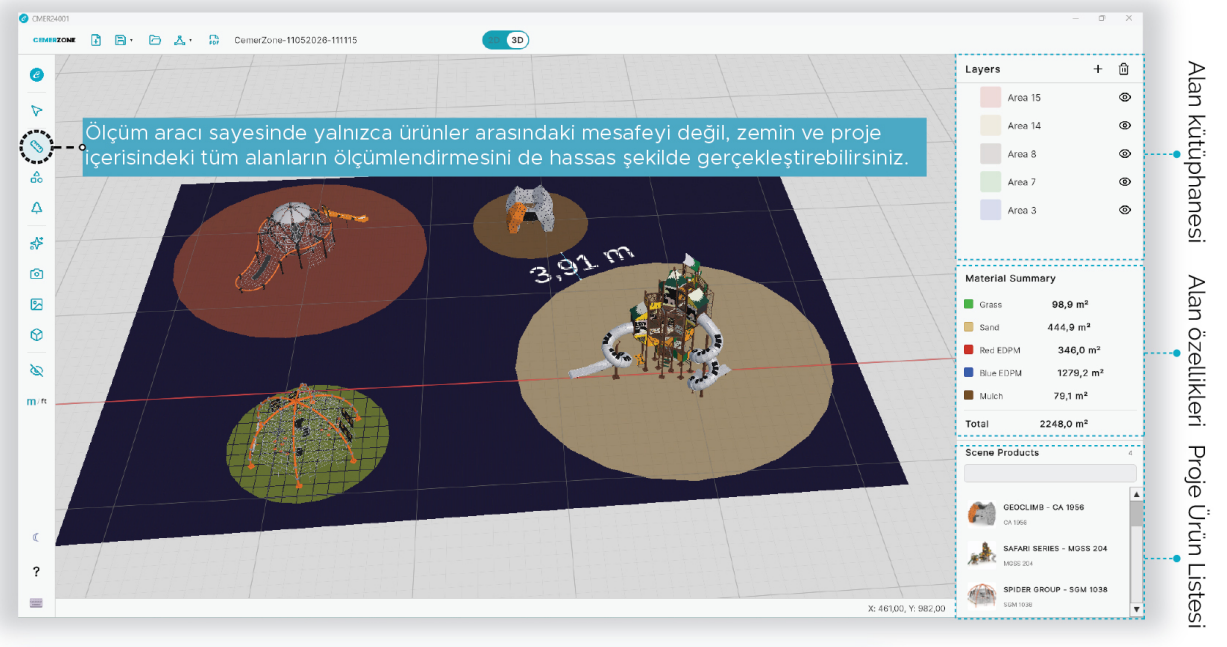
To help you prepare professional project presentations, the system includes 3D visualization and reporting modules ready for output. You can review your design in detail in three dimensions and generate measurement tables and product lists with one click.

 
Real Dimensions
All models are provided with real product dimensions
 
3D Preview
Real-time visualization experience
 
Professional Report
One-click PDF output and measurement tables
 
Wide Product Range
More than 500 up-to-date Cemer product models
View Detailed Guide  
What Can You Do?

Core Features

Equipped with powerful tools, CemerZone takes your playground design to a professional level.


Drag & Drop Design

Drag, rotate, and position the play sets you select from the product catalog. Create an area plan in seconds without needing technical knowledge.


Real-time 3D visualization

Every product you place is instantly visualized in 3D. Review it from different angles and present your design impressively to your customers.


Real Dimension System

All product models are provided in real size. Define area boundaries, automatically check safety distances, and view square-meter calculations instantly.


Output-Ready Reporting

Generate professional PDF reports with one click. Reports including product lists, measurement tables, and 3D visuals speed up team communication and approval processes.


Comprehensive Product Catalog

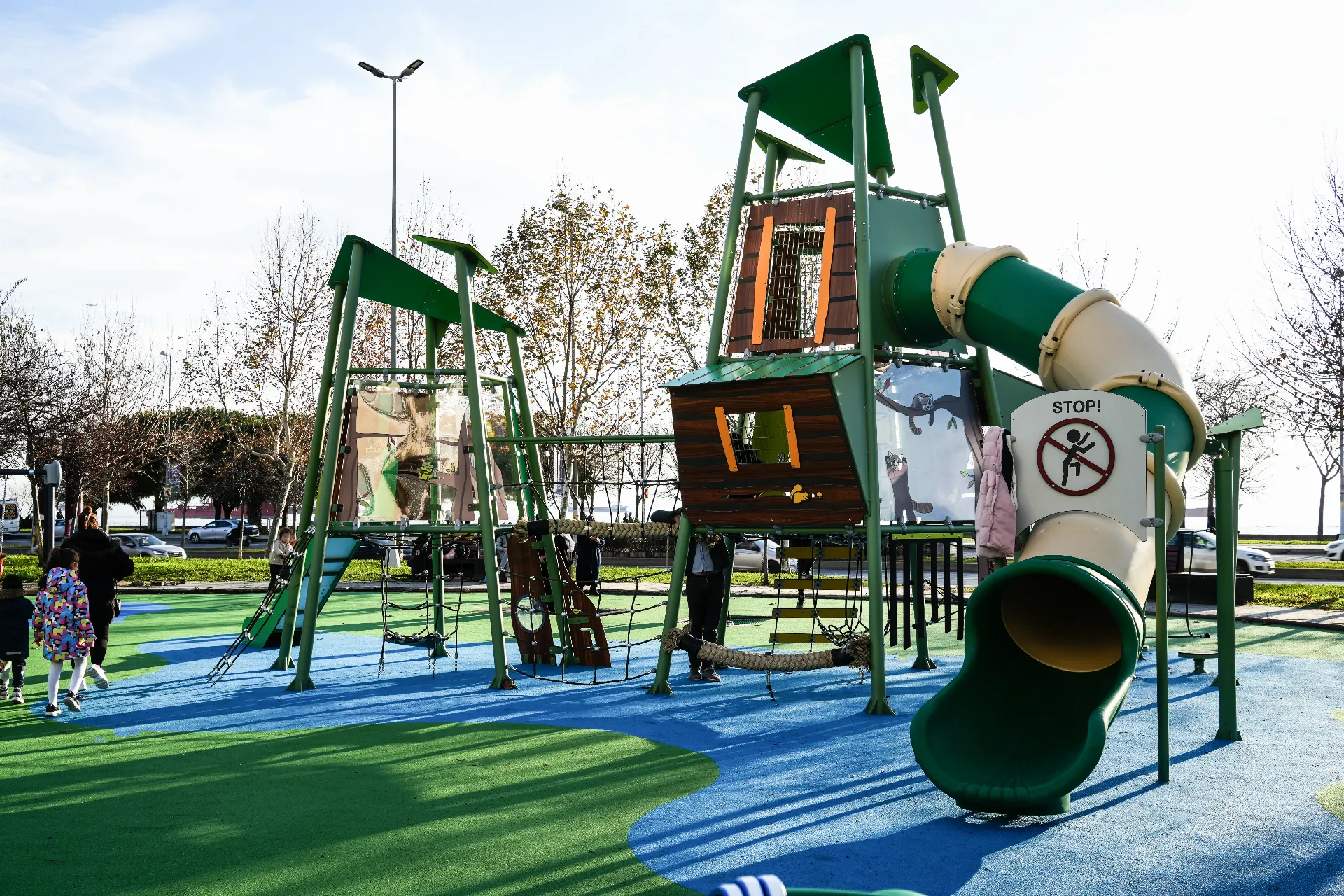
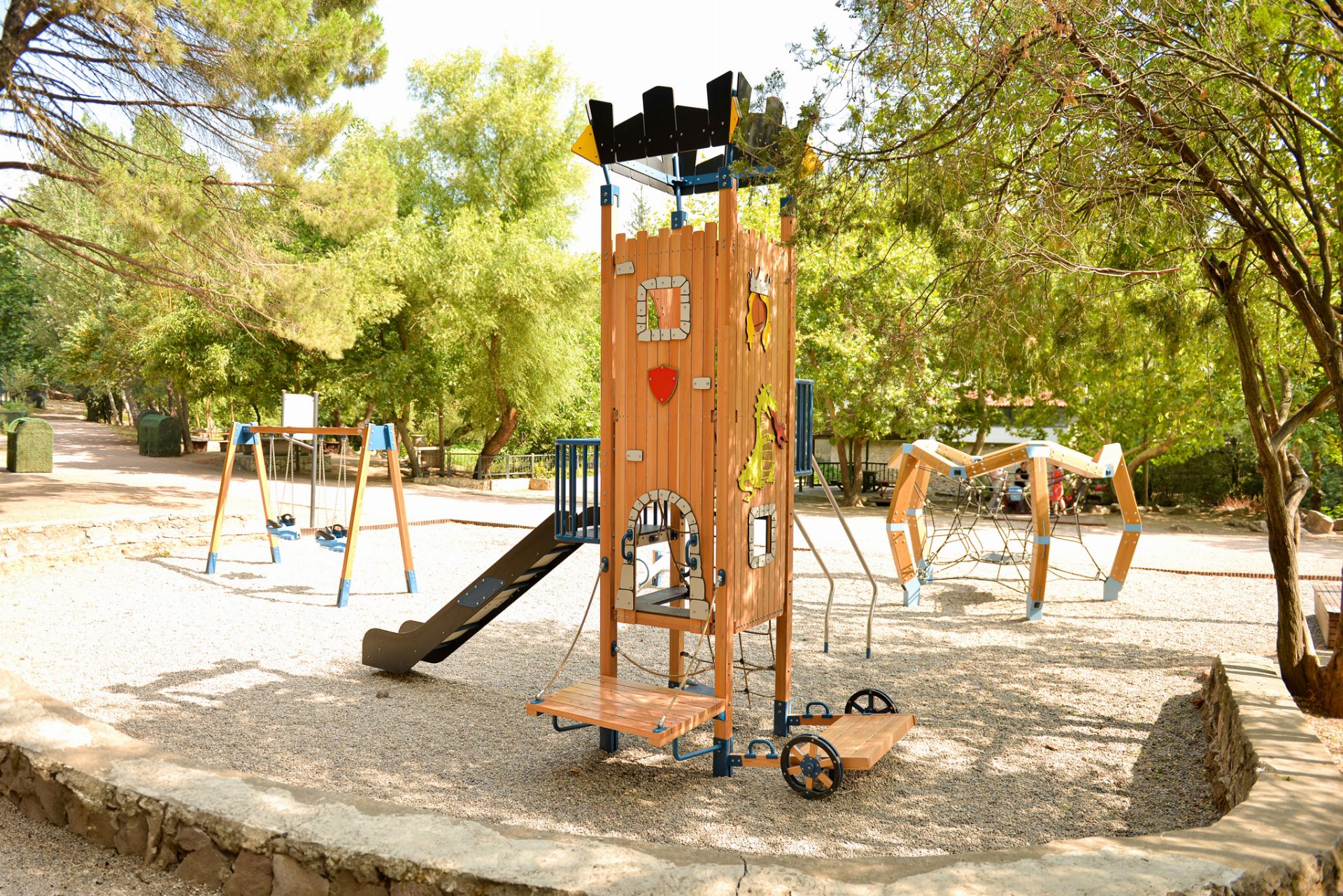
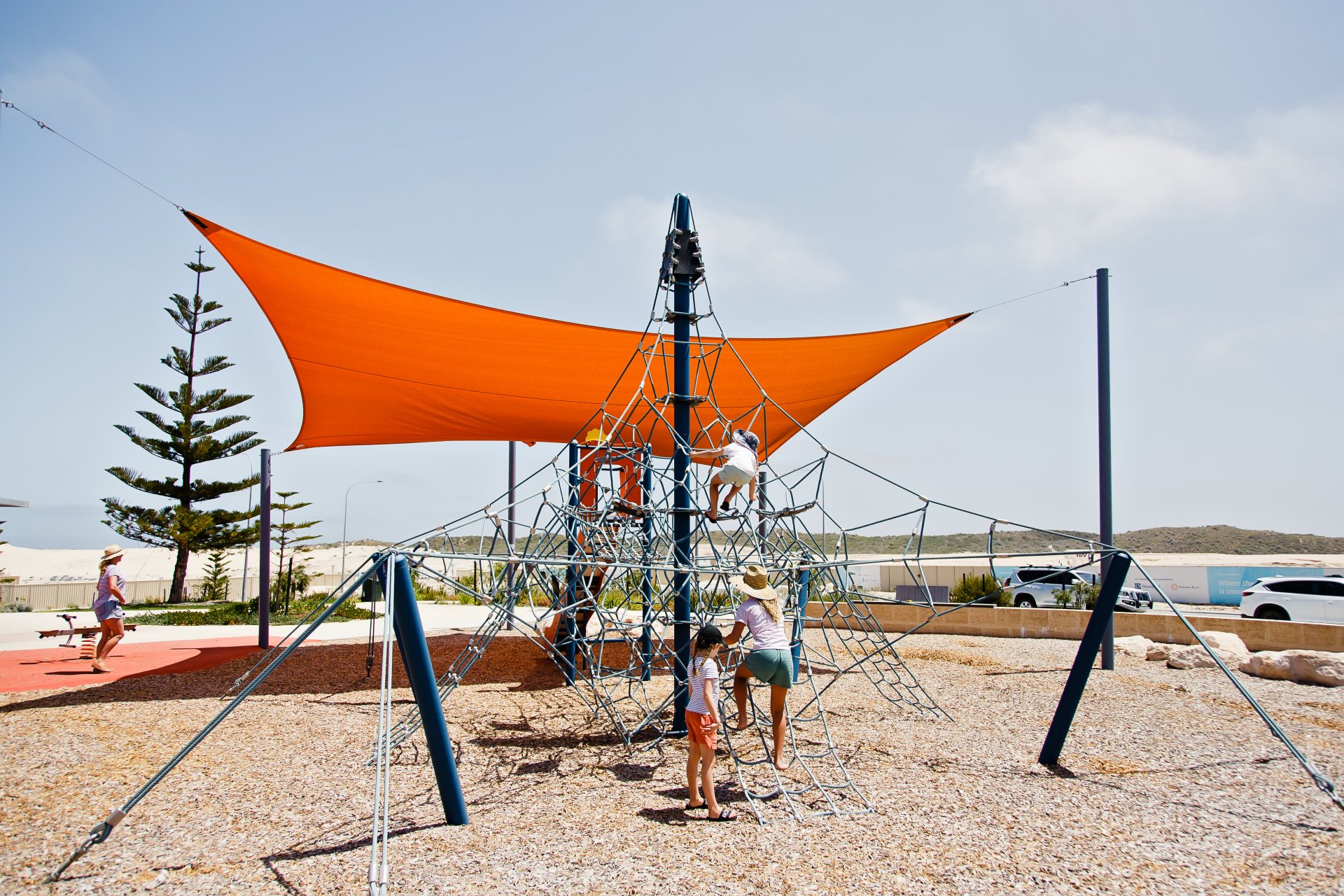
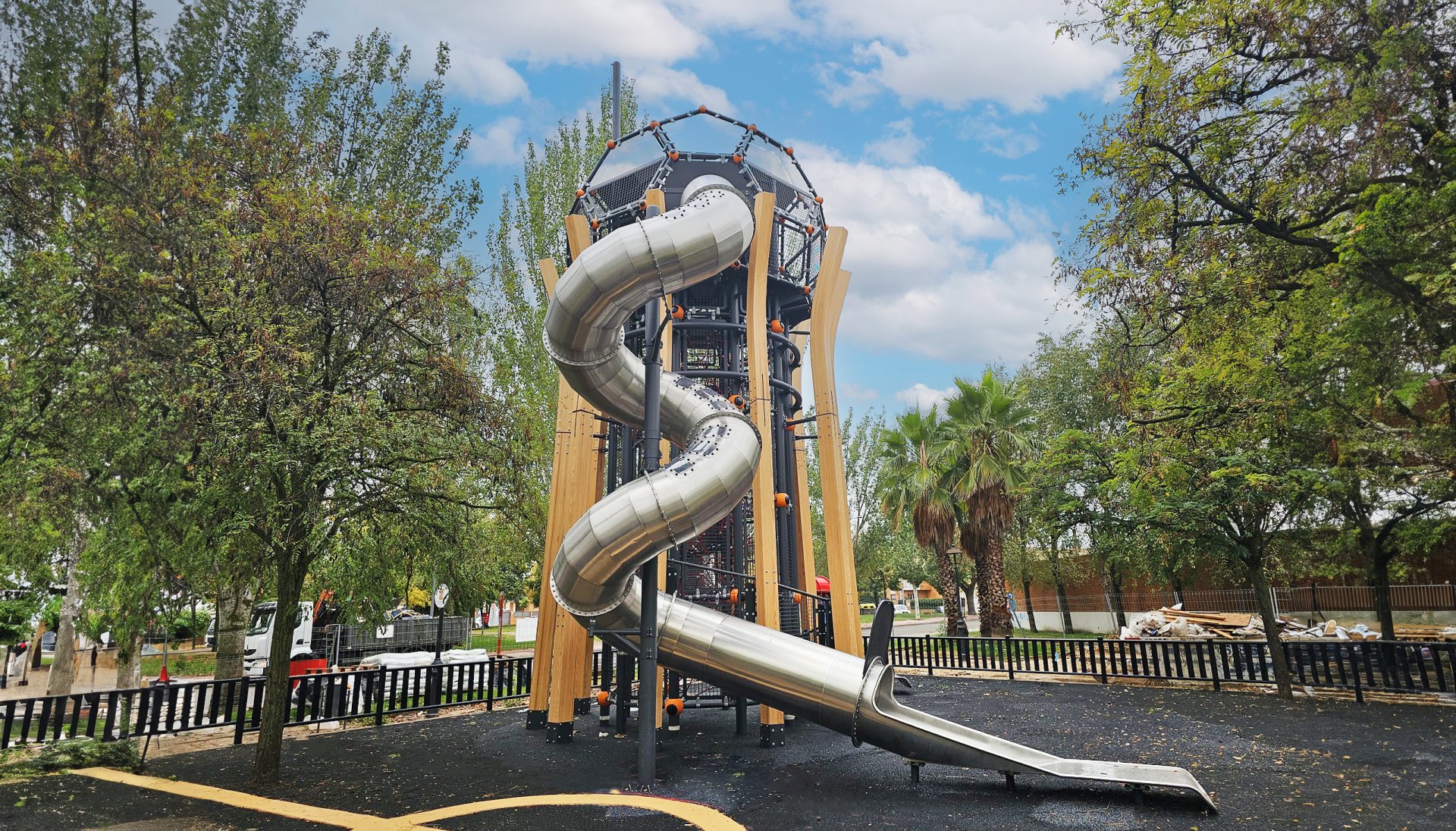
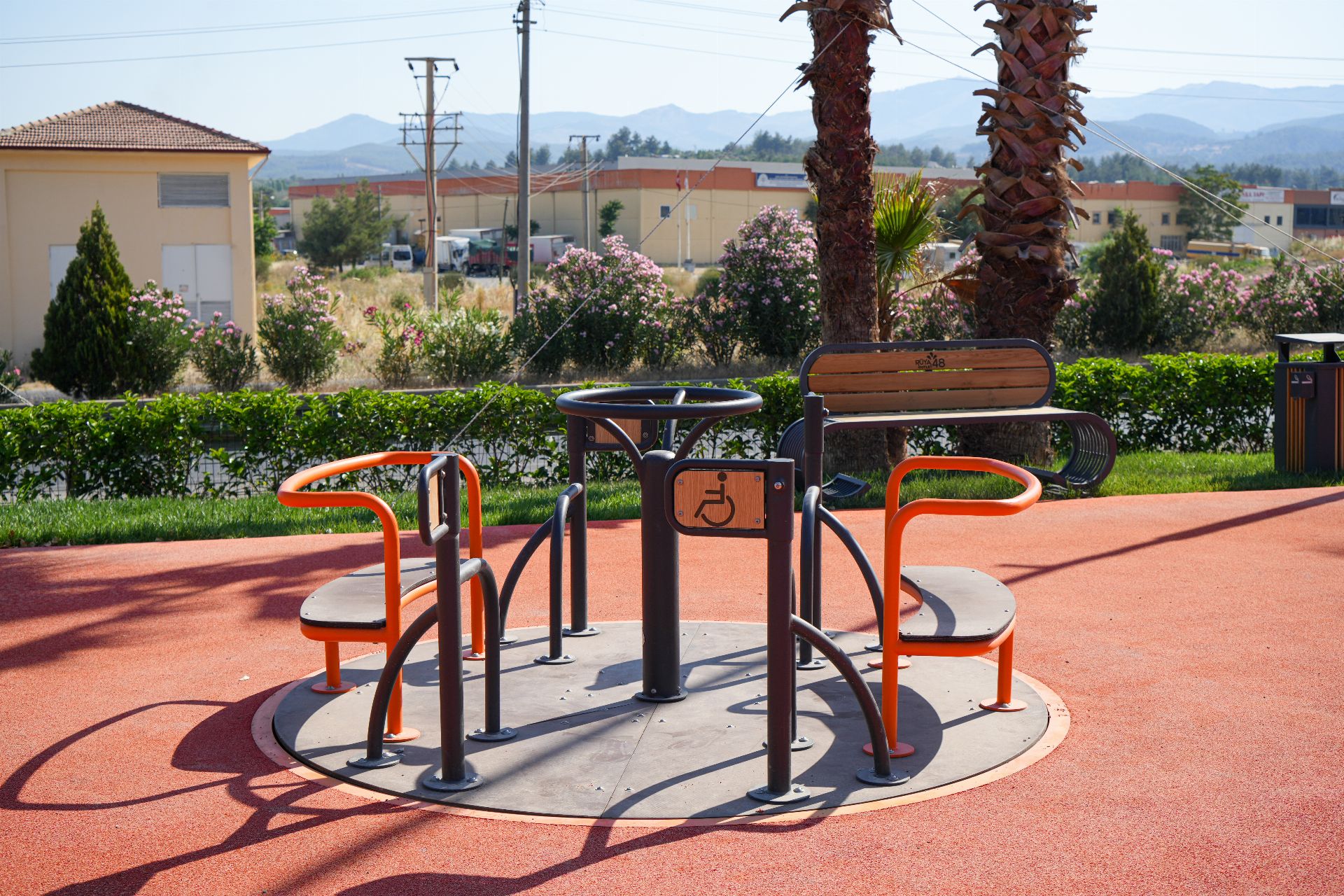
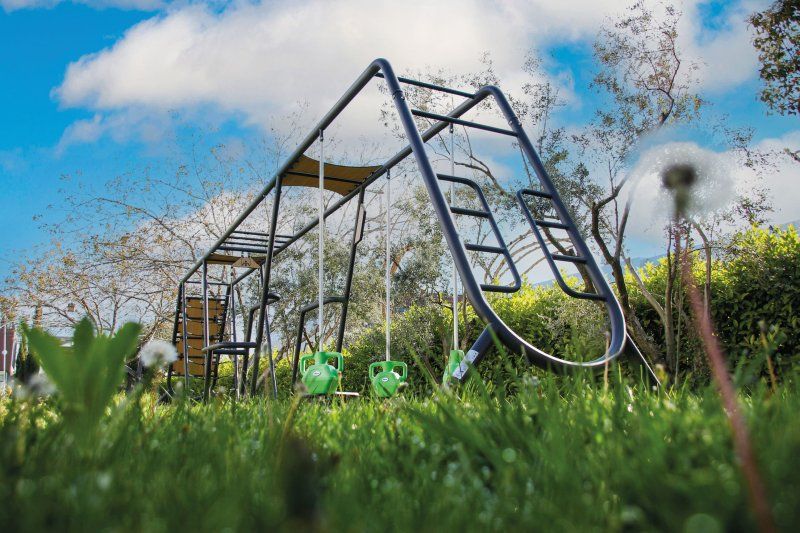
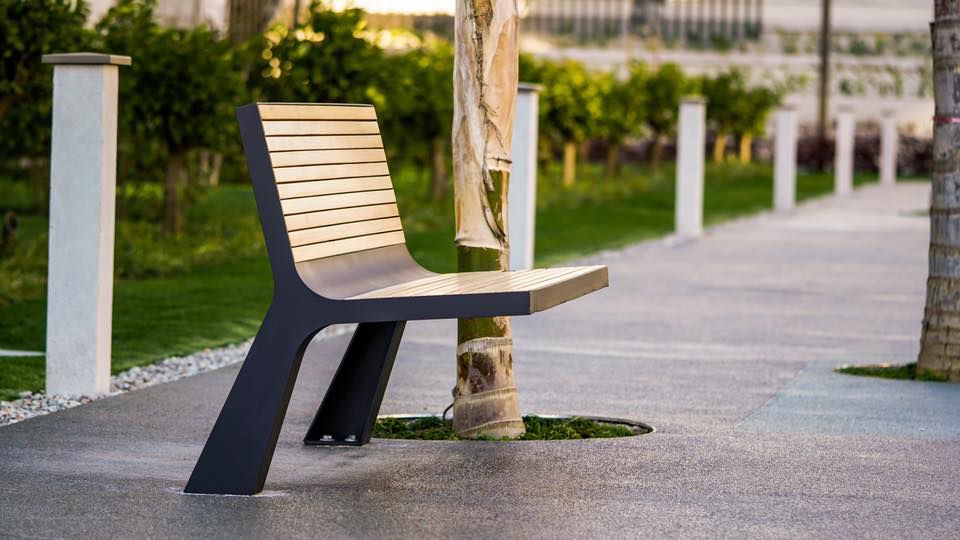
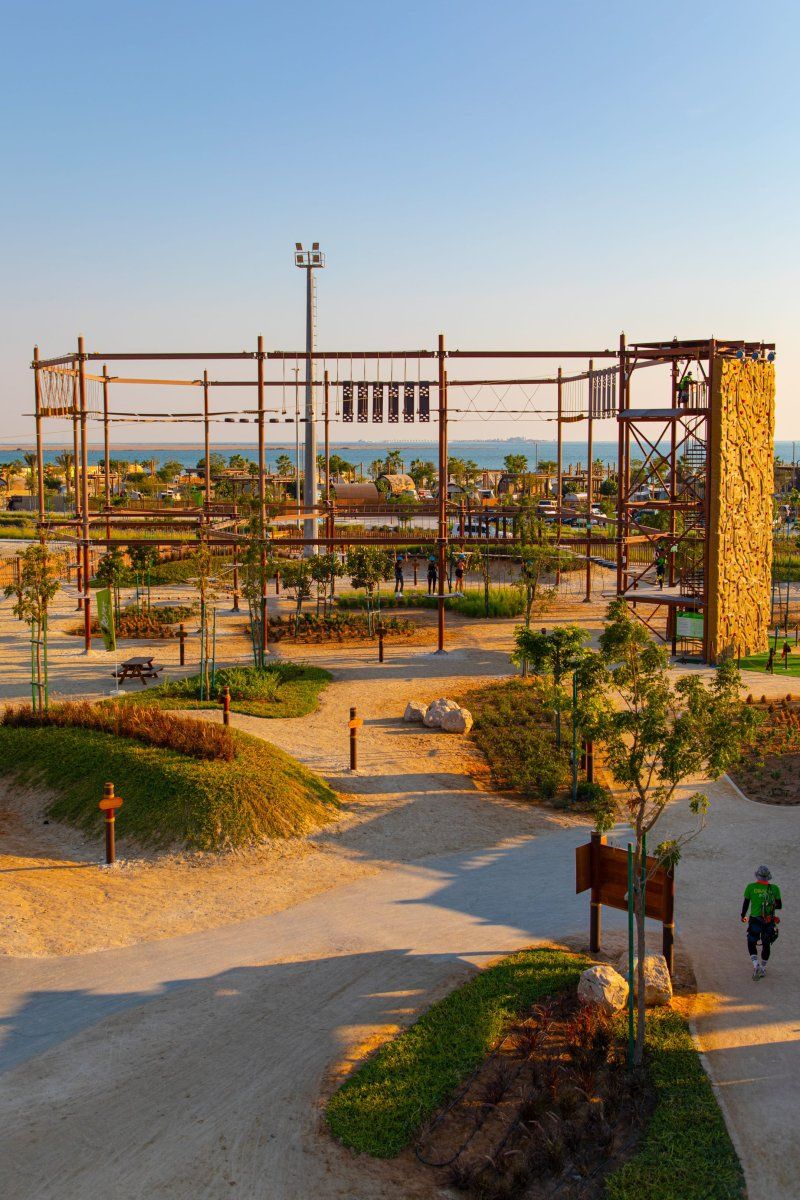
Access more than 500 product models from CMRPLAY, CMRXTREME, CMRACTIVE, CMRBEAVER, and more categories. Reach what you need quickly with filtering and search.


Project Sharing

Save your designs and share them with your team. Export high-resolution render visuals and project files for customer presentations.

Getting Started Is Easy

How It Works

Create your professional playground plans in four simple steps.

 
1

Sign Up & Download

After signing up on the Cemer website, download the Windows or Mac version to your computer. No installation required.

 
2

Enter Area Dimensions

Enter the dimensions of the area you want to design. CemerZone automatically creates a scaled grid and marks safety zones.

 
3

Select & Place Products

Choose the play sets you want from the catalog and drag them into the area. While the 3D view updates instantly, rotation, scaling, and collision checks are handled automatically.

4

Generate Your Report

When your design is ready, generate a PDF report with one click. Product lists, measurement tables, and 3D visuals are added to your report automatically.


Free

Download CEMERZONE
Now

Take your playground designs to the next level. Download the optimized versions for Windows and macOS for free.

A Cemer membership is required to use the application. Sign Up / Log In →

 
Windows
Version 2.0
Windows 10 / 11 (64-bit)
File Size: ~150 MB (RAR)
Requires DirectX 11+
  Download for Windows
 
macOS
Version 2.0
macOS 11 Big Sur and above
File Size: ~200 MB (ZIP)
Apple Silicon & Intel
  Download for Mac
  Download the User Guide as PDF
Technical Details

System Requirements


Windows

Operating System Windows 10 / 11 (64-bit)
Processor Intel Core i5 / AMD Ryzen 5 or higher
RAM Minimum 8 GB (16 GB recommended)
Graphics Card DirectX 11 compatible, 4 GB VRAM
Disk Space Minimum 2 GB free space
Screen Resolution 1920×1080 or above
Internet Required for license verification
 

macOS

Operating System macOS 11 Big Sur or above
Processor Apple M1/M2/M3 or Intel Core i5+
RAM Minimum 8 GB (16 GB recommended)
Graphics Card Metal API compatible GPU, 4 GB VRAM
Disk Space Minimum 2 GB free space
Screen Resolution 1920×1080 or above (Retina supported)
Internet Required for license verification
Target Audience

Who Uses It?

CemerZone is designed for every professional involved in the playground planning process.


Architects

Create scalable plans and 3D visuals that can be integrated into project files. Strengthen your customer presentations visually.


Landscape Designers

Combine your green area and playground designs. Safety distances and zone planning are checked automatically.


Project Managers

Accelerate approval processes. Professional presentation files including detailed product lists, quantity reports, and 3D visuals are generated automatically.

Frequently Asked Questions

What You Wonder

Yes, CemerZone can be downloaded and used for free. To use the application, it is enough to create a free membership on Cemer. License verification requires an internet connection.
CemerZone runs on Windows 10/11 (64-bit) and macOS 11 Big Sur or later versions. Apple Silicon (M1/M2/M3) and Intel-based Macs are supported.
CemerZone includes more than 500 product models from CMRPLAY, CMRXTREME, CMRACTIVE, CMRBEAVER, CMRROPE, CMRURBAN, and CMRHIC categories. The catalog is updated regularly.
You can export your designs as PDF reports, create high-resolution 3D render visuals, and share project files with your team. Product lists and quantity tables are also automatically added to the report.
Yes. You can contact Cemer's technical support team via the contact form. Also, the detailed user guide can be downloaded in PDF format.