




Digital transformation

From idea
to playground

Plan, visualize, inspect in 3D and experience it in a real environment. Cemer's digital tools work together in a single flow, from idea to playground.

AI-POWERED RENDER

OUR DIGITAL TOOLS

PLANPLAY visualizes your project in 3 minutes

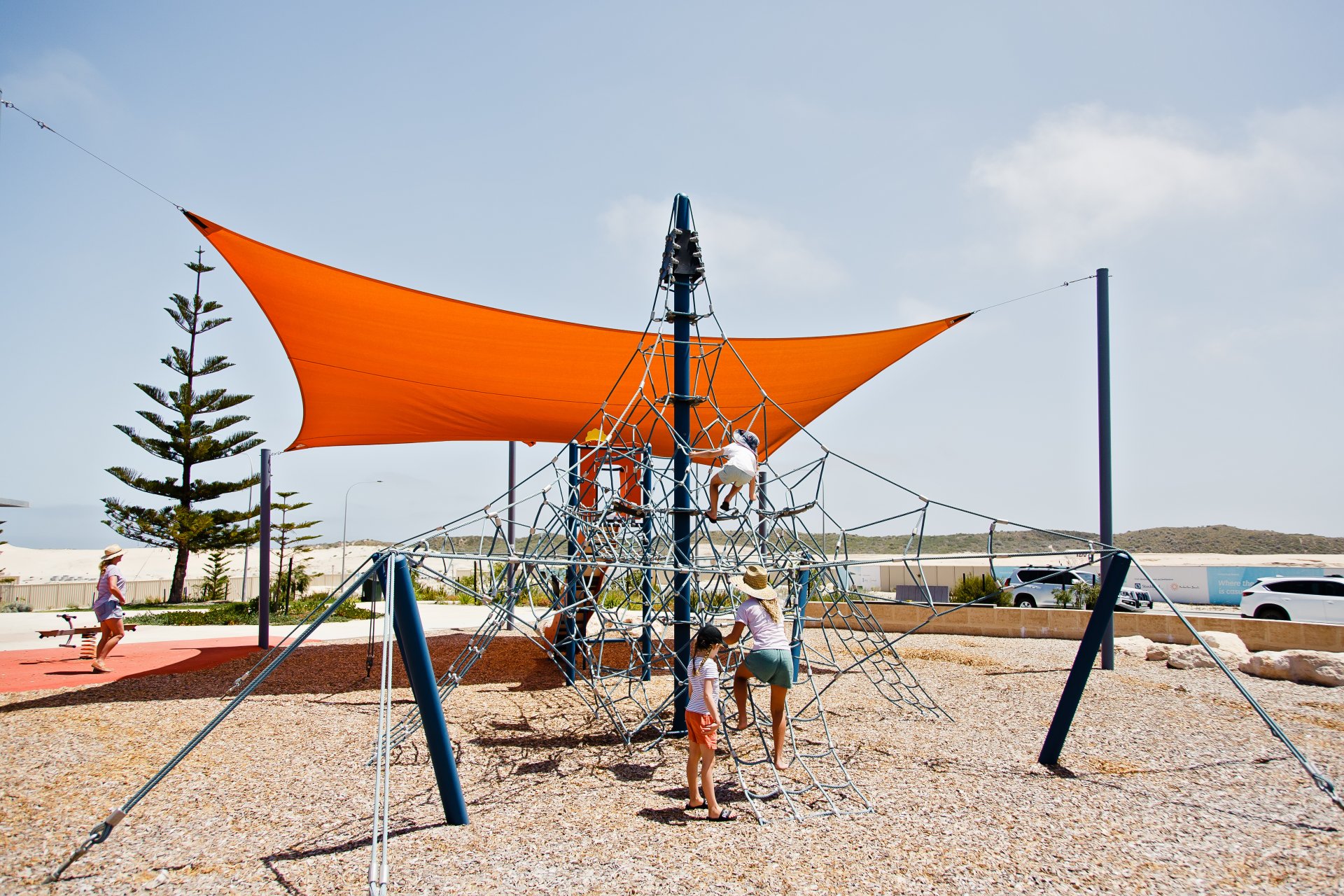
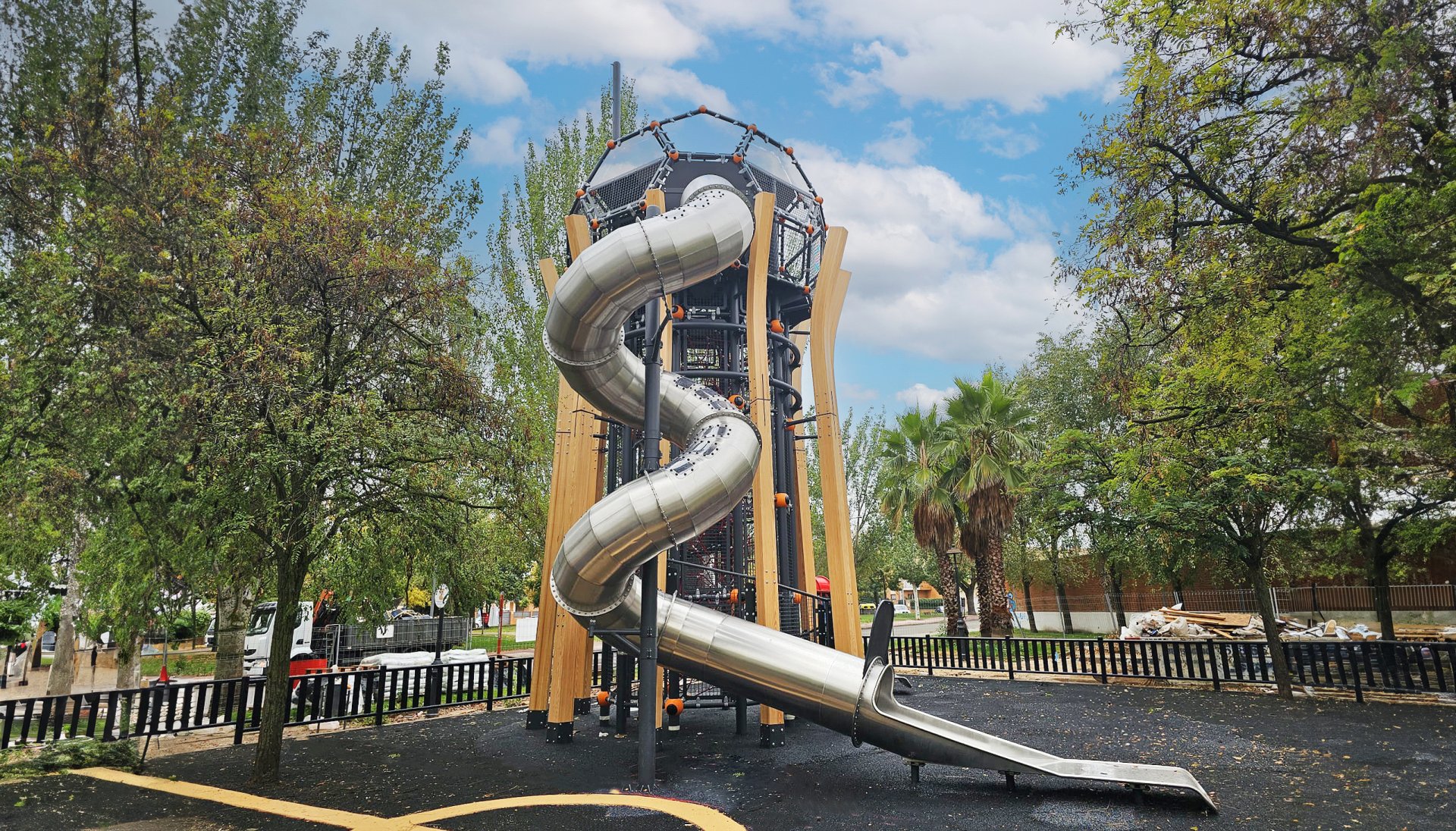
Choose the ground texture and environmental conditions, and let our AI engine render your design for you. Plan|Play uses real R&D data to create accurate visuals. Developed to comply with standards, our system lets you see your dream park within seconds.


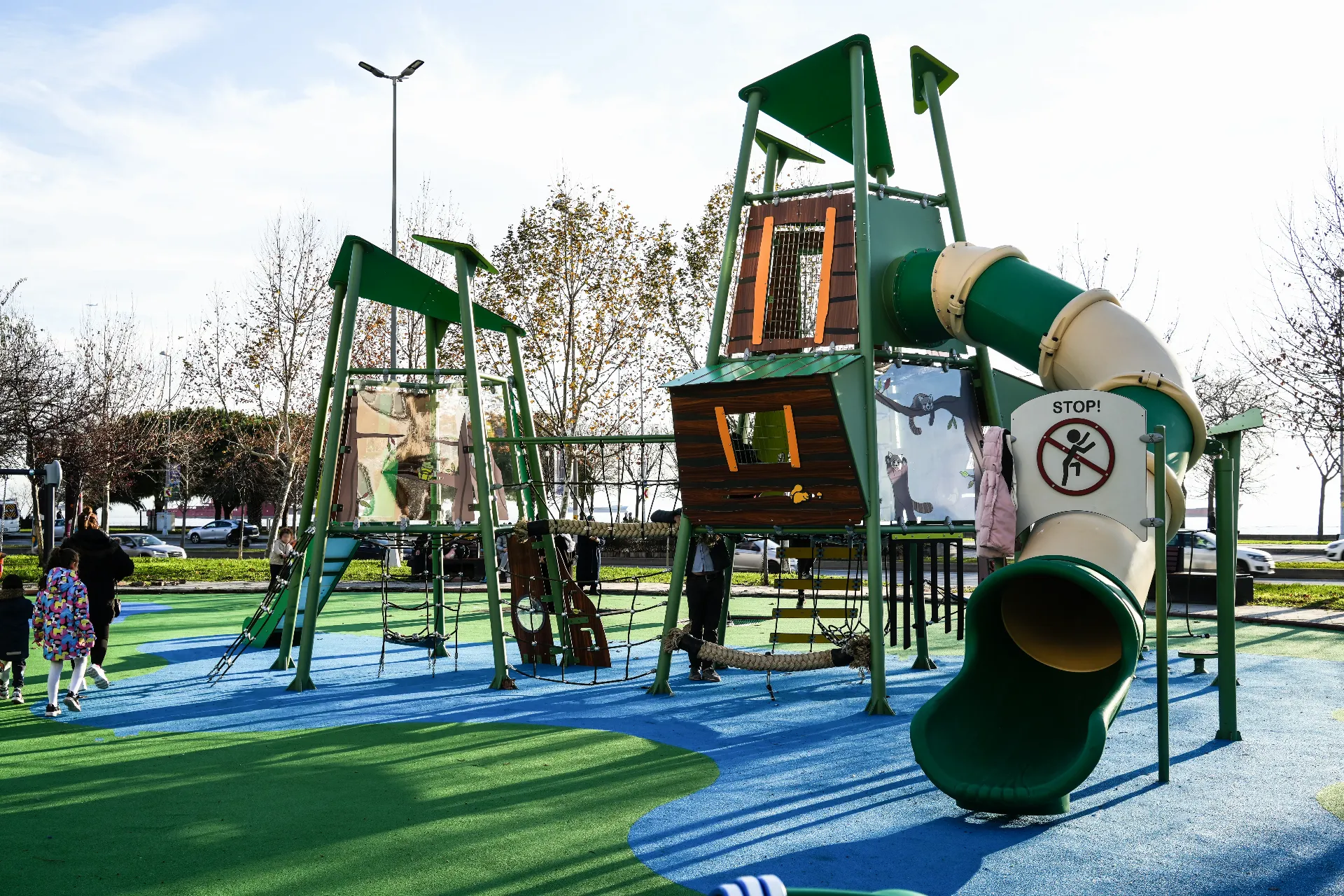
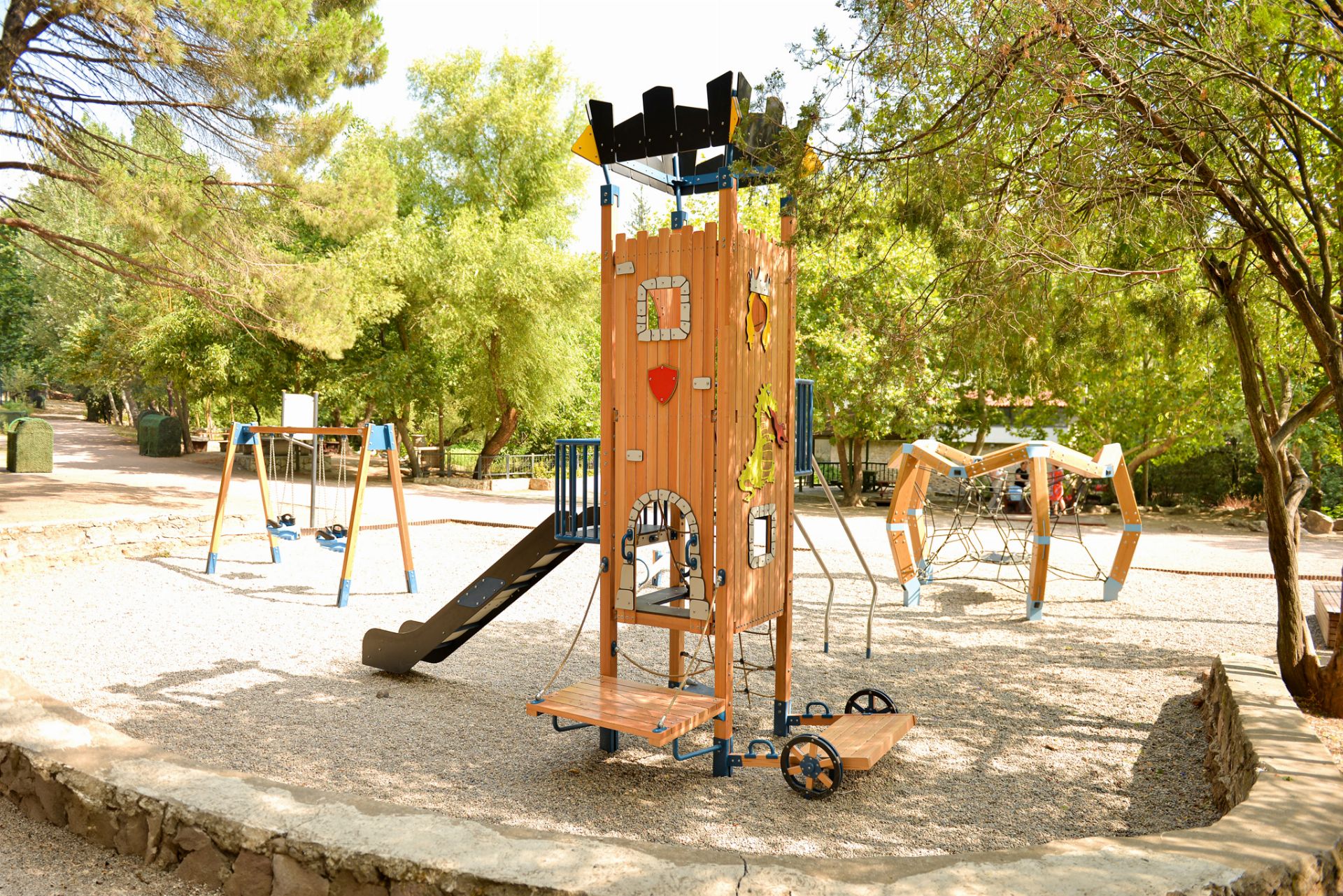
Ibibik play structure Globe play structure
Made with PLANPLAY
 
CEMER DIGITAL TRANSFORMATION
Loading Map...
LIVE REFERENCE MAP
03

INTERACTIVE MAP

CEMERPORTFOLIO

Explore our projects around the world on an interactive map.

  • Easily access project photos, technical specifications, certificates and skill charts.
  • View the products used in each project, add them to your cart and request a price quote.
  • Send your project notes directly to your email.

Exploring Cemer projects is now faster and easier than ever.

AUTOCAD PLUGIN

AutoCAD + Cemer Planner  ·  Cemer_Park_Project.dwg —☐✕
HomeInsertAnnotateParametricViewManageOutputCEMER PLANNER
Define Area Edit Boundary Dimension
Area
Place Product Library Product List
Products
Safety Zone Clash Check
Safety
PDF Summary Layers
Output
StartCemer_Park_Project*+

[–][Top][2D Wireframe]

Project SummaryPDF ready
Play area976.00 m²
Products placed7 pcs
Safety zones7 pcs
ClashesNone
Command: NETLOAD  CemerPlanner.dll loaded.Command: _OPEN  Cemer_Park_Project.dwg
✕>_CEMERPLANNER
ModelLayout1Layout2 0.0000, 0.0000, 0.0000 MODELGRIDSNAPORTHOOSNAPLWT1:100
EvoPlay Scientific Analysis
04

THE SCIENTIFIC SIDE OF PARKS

EVOPLAY

Discover the scientific side of parks with the new cart system.

On the quote page, product analysis results are broken down in detail by category, and personalized development recommendations are provided.

Sample analysis output Skill distribution
Physical Skills 42.19%
 
Social Skills 31.25%
 
Sensory Skills 25%
 
Cognitive Skills 1.56%
 

3DSMAX PLUGIN

Cemer_Park_Project.max — Autodesk 3ds Max 2026 Workspace: Default –□✕
FileEditToolsGroupViewsCreateModifiersAnimationRenderCustomizeScriptingCemerMaxLibrary
| | | | Cemer Max Library

[+] [Perspective] [Standard] [Default Shading]

Cemer Max Libraryv2.4✕
Search products...4 products
Unit: Meters  ·  Format: FBXPick a product and it is placed in the scene automatically
 
CEMER MAXLIBRARY

CemerMaxLibrary is a product library that opens inside 3ds Max. Search the product catalog, narrow it down by category and filters, and import the 3D model (FBX) of the product you like into your open scene with a single click.

Name and Color
No object selected.
Object Type
BoxSphereCylinderTorusConePlane
Cemer Max Library — Scene
No products added yet CA 253 C RGAS 301 RGIS 105 DGCS 1060A
0 / 100
MAXScript>  No object selected X: 0.000m  Y: 0.000m  Z: 0.000m Auto Key
VIEWER TOOLS

Cemer Viewer Tools

Inspect our products in augmented reality, as 360° models and in a virtual tour. Place the product in your real environment with Cemer AR, explore it from every angle with the 360° model, and speed up your decision-making by walking through the space on a virtual tour.

 
01

Innovative AR Experience

We offer an interactive, augmented-reality experience powered by QR code technology.

 
02

Real-World Visualization

3D models are placed in the real environment through your device camera; inspect the product on site.

 
03

Works on Any Device

View instantly in your phone or tablet browser, with no app to install.

 
04

Speeds Up the Right Choice

See the product in your own space to shorten the decision process and choose with confidence.

05

VISUALIZE. EXPERIENCE. DECIDE.

CEMERAR

Scan the QR code and discover the product in the real world.

Cemer AR - Augmented Reality Experience
 
3D Exploded View Loading model…
Drag to rotate
06

CEMER 360

CEMERVIEW

See the 3D models of our products down to the finest detail.

Reach every part in four steps:

  1. Sign up on the site, then go to the product page.
  2. Open the 3D Exploded view from the icon set on the right.
  3. Break the product down into its parts and inspect it from any angle.
  4. Access the codes of every part, from bolts to nuts and from profiles to connectors.
CEMER DIGITAL TRANSFORMATION

For more, stay tuned.

Loading content...